> For the complete documentation index, see [llms.txt](https://docs.babywhale.io/llms.txt). Markdown versions of documentation pages are available by appending `.md` to page URLs; this page is available as [Markdown](https://docs.babywhale.io/features/approval/manage/edit-form.md).
# 🧑💼결재 양식 수정/삭제하기
`아기고래 앱 홈` > `결재 관리(관리자 메뉴)` > `결재 양식 보기`에서 결재 양식을 조회, 수정, 삭제할 수 있어요.
결재 양식의 세부 내용을 조회하고 필요한 경우 수정 혹은 삭제할 수 있어요. 앱 홈 하단의 `결재 양식 보기`에서 보이는 양식에서 확인하고 싶은 양식의 우측 `...` 버튼을 클릭하면 상세보기, 수정하기, 삭제하기 메뉴를 보실 수 있어요.
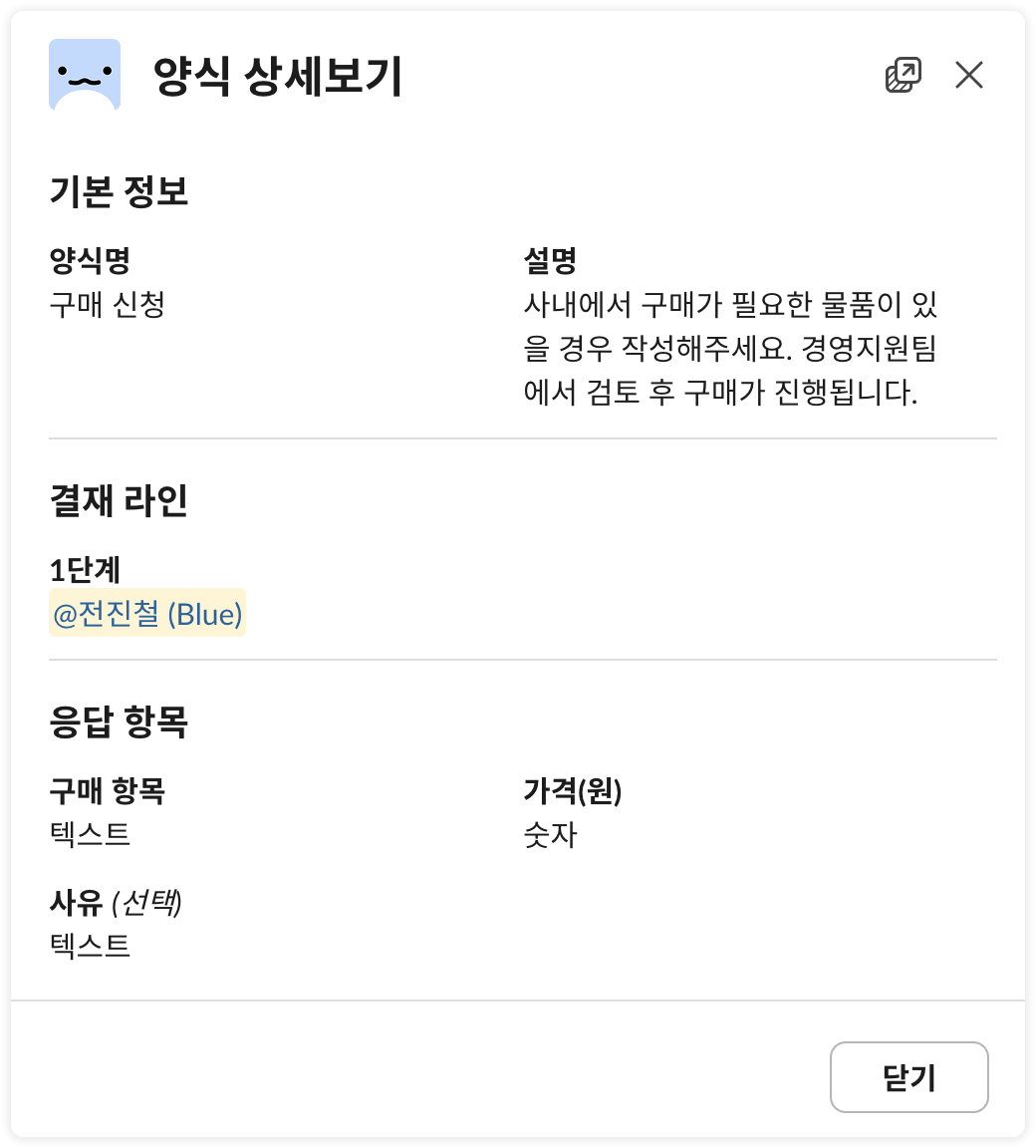
### 1. 결재 양식 상세보기
설정한 결재 양식의 세부 내용을 확인할 수 있어요. 양식명, 설명, 결재선, 항목 유형 등을 볼 수 있어요.
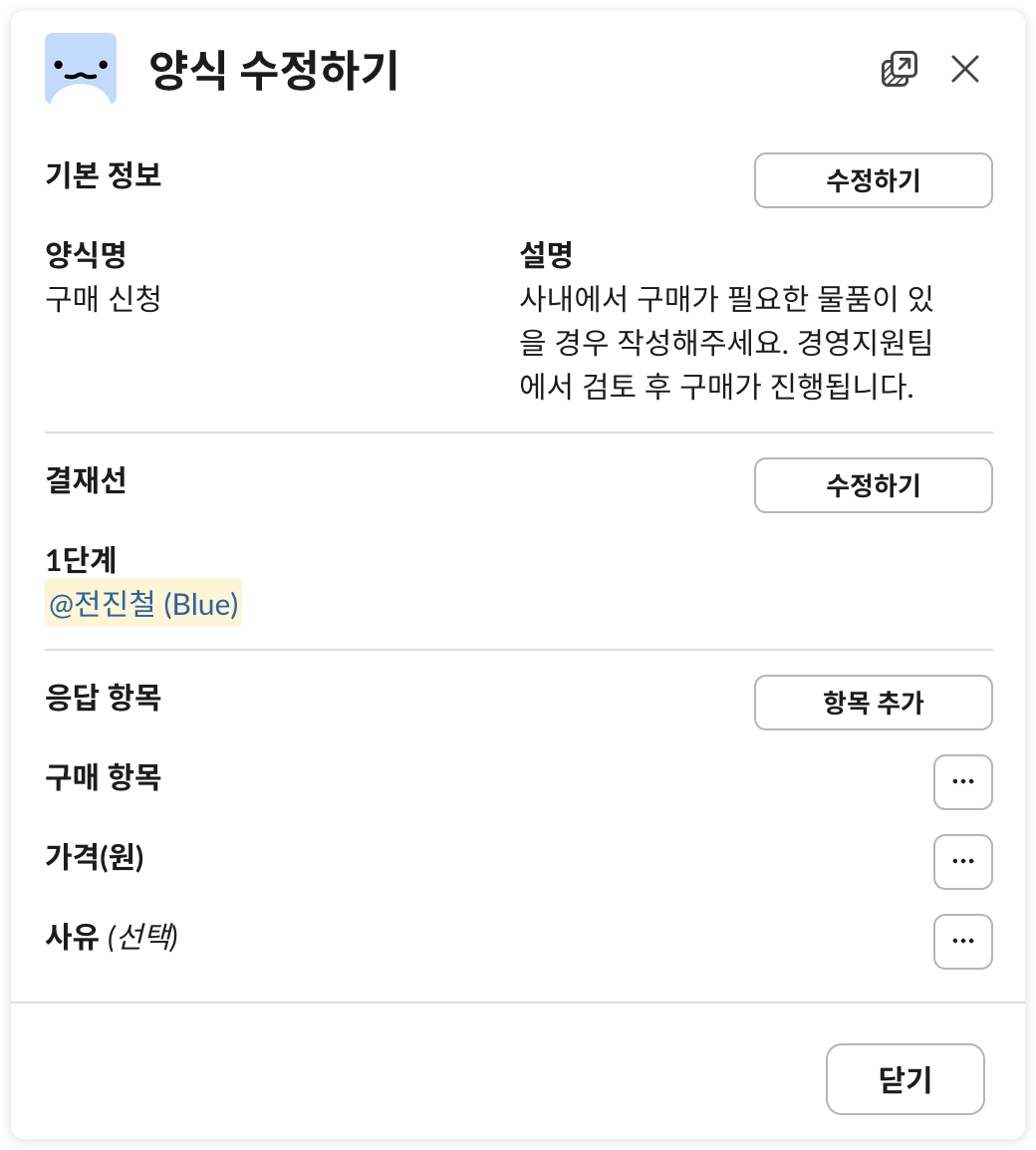
### 2. 결재 양식 수정하기
결재 양식을 수정할 수 있어요. 결재양식 이름, 설명, 결재선 변경, 응답 항목 추가/수정/삭제할 수 있어요.
{% hint style="info" %}
결재선을 변경한 경우, 변경된 결재선은 '신규 결재 요청'부터 적용되고 해당 시점 '진행 중'이던 결재건에는 적용되지 않아요.
* 진행 중이던 결재 건은 변경 이전의 결재선에 맞추어 결재가 진행돼요.
* 필요한 경우 진행 중인 결재건을 취소하고 새로 결재를 올리는 것을 권장해요.
{% endhint %}
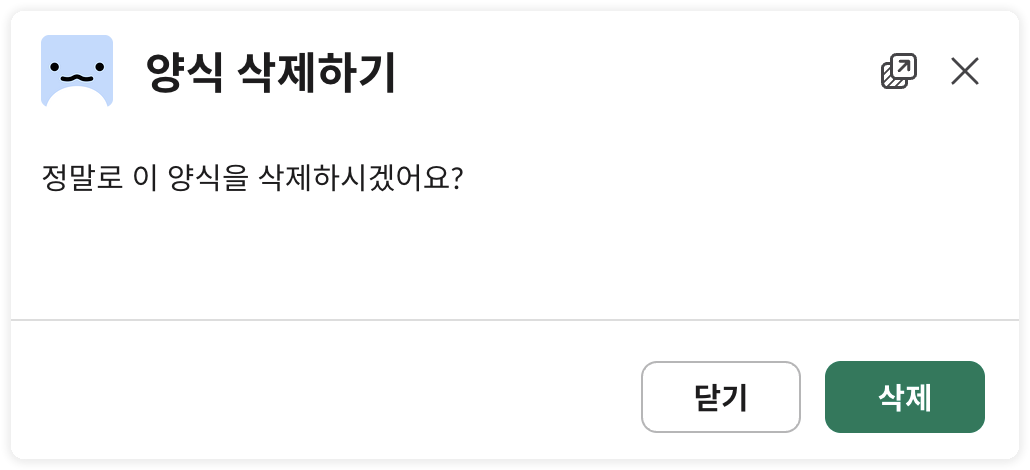
### 3. 결재양식 삭제하기
결재양식을 삭제할 수 있어요. 모달에서 `삭제` 버튼을 클릭하면 양식이 삭제돼요.
{% hint style="info" %}
해당 양식으로 진행중인 결재 건이 있는 경우 삭제할 수 없어요. 삭제가 필요한 경우 진행 중인 결재건들을 모두 완료 처리(승인/반려/취소) 한 후에 삭제처리할 수 있어요.
{% endhint %}